For field reps
Spend Sunday off. Your week is already planned.
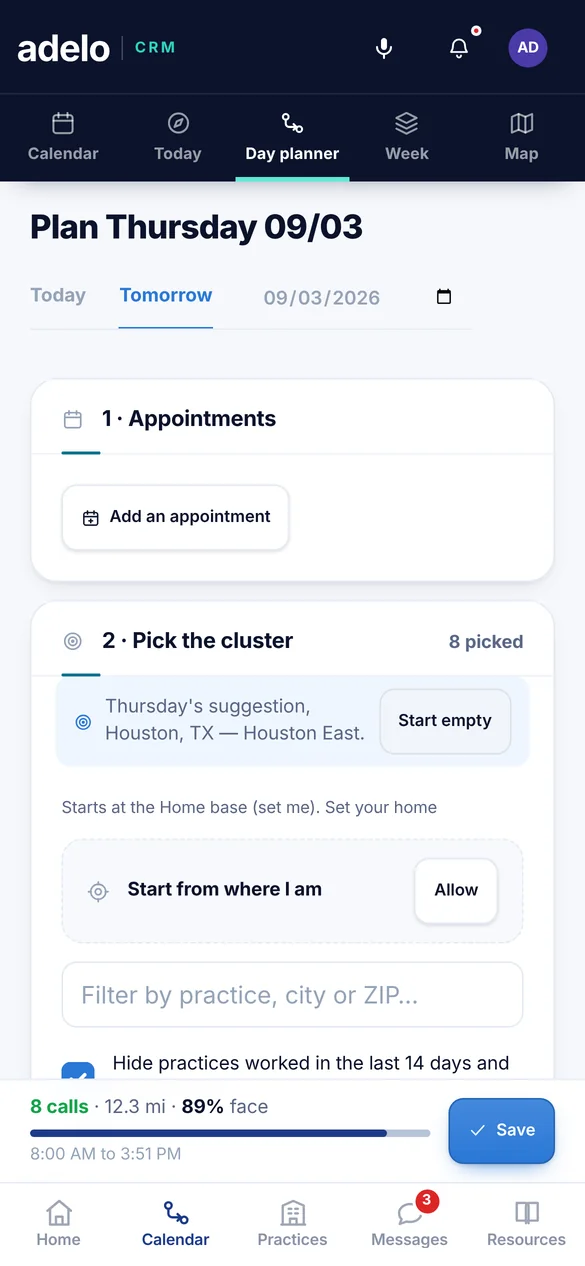
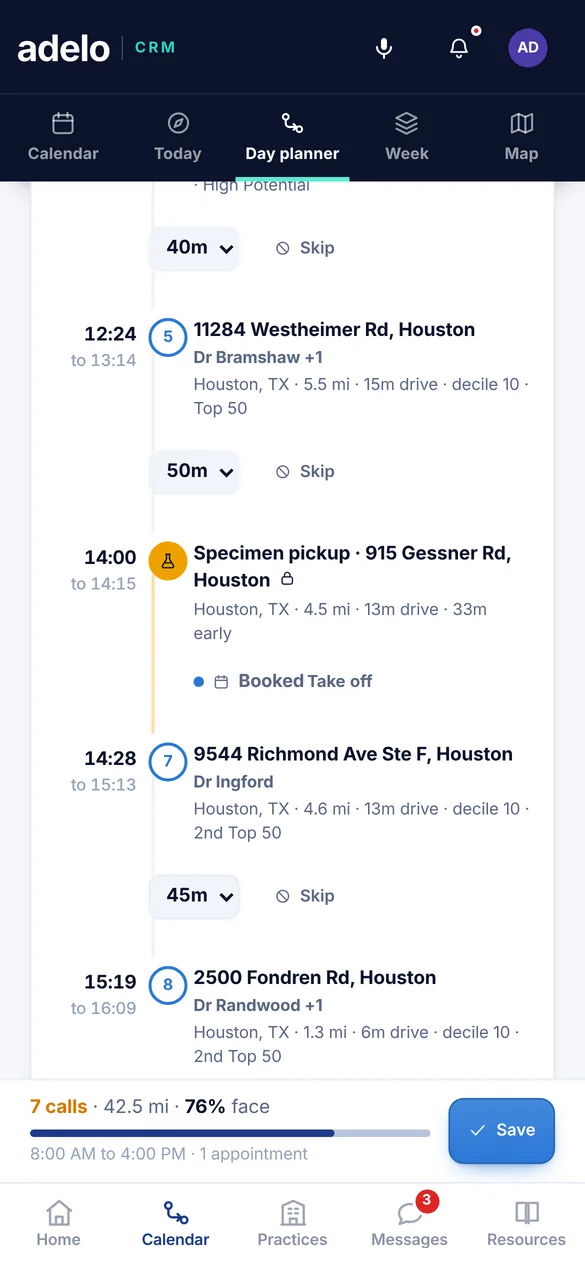
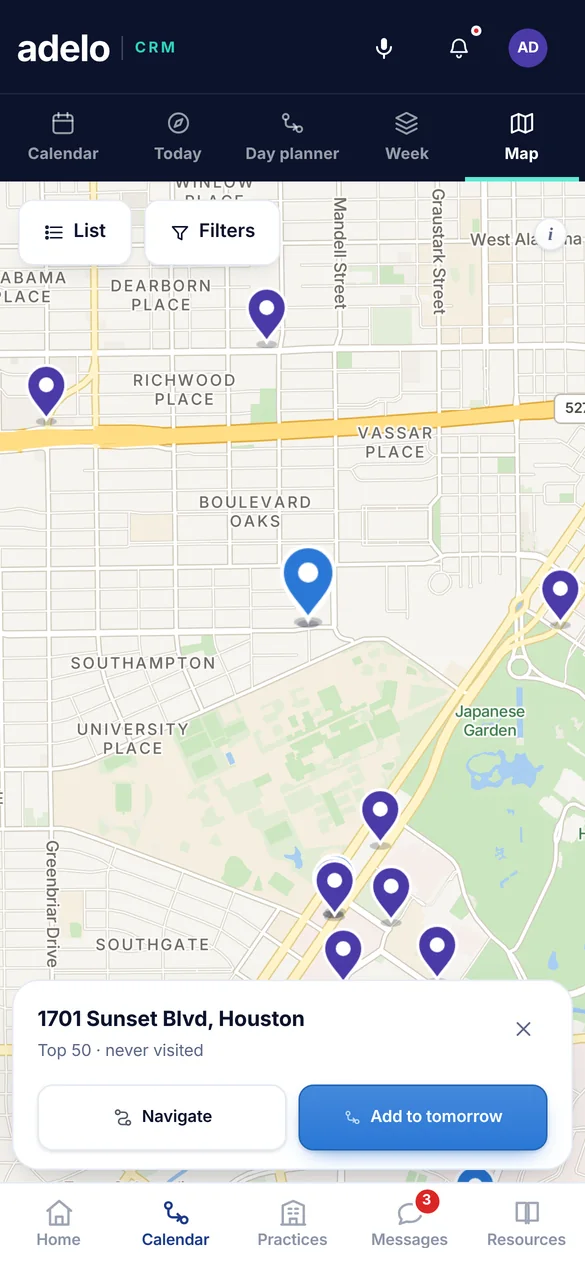
Who to see, in what order and when, with the driving already counted. One tap opens it in your maps.
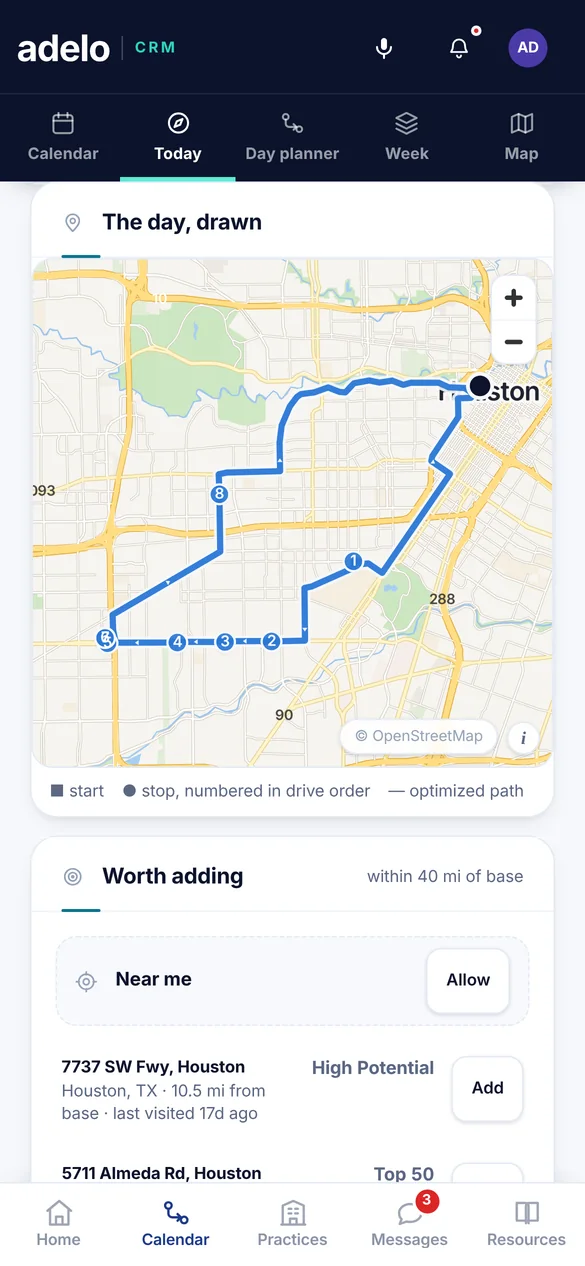
Map © OpenFreeMap © OpenMapTiles © OpenStreetMap contributors
What you get
Everything is ready before you start the car.
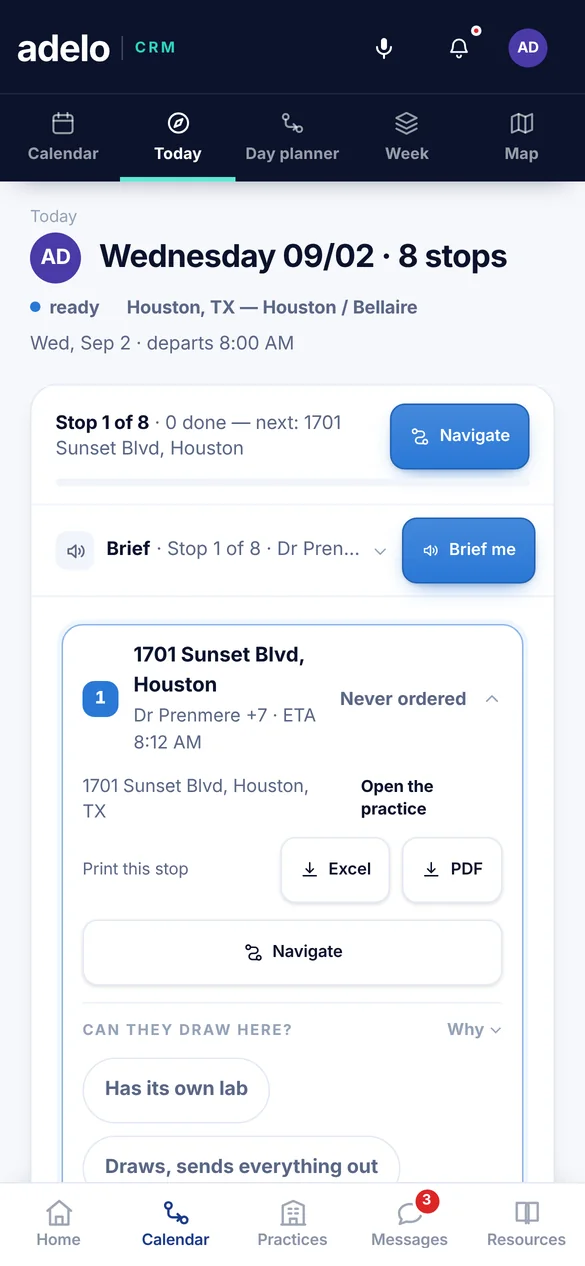
Your day, in order, with times.
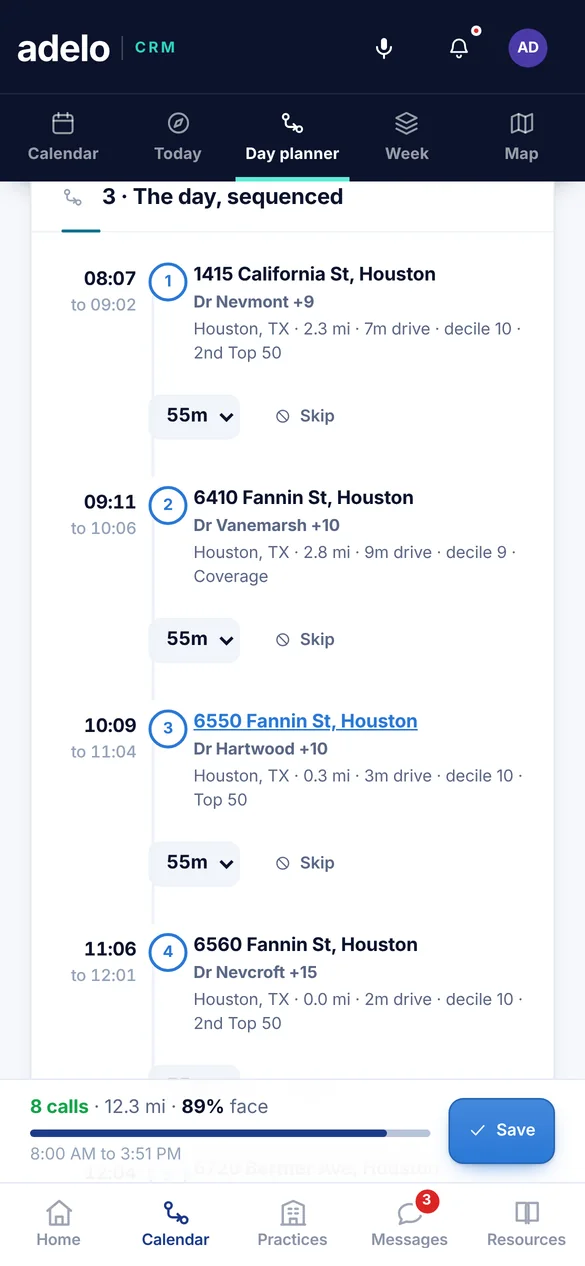
Every stop in the best drive order, with an arrival time that already counts the drive.
- Why each account is on today
- Miles and minutes between stops
- Anything that did not fit, named with the reason
Appointments and lunch on the route.
Booked times stay fixed, and you see the extra miles before you book one off the route.
- Lunch placed where the route already goes
- The cost of a detour, shown first
- Still your call to make
Out of the app in one tap.
Open the whole day in Google Maps or Apple Maps, or send it to your calendar.
- Navigation to the right door, not just the street address
- Calendar events with the account and the reason for the visit
- A spreadsheet export when someone asks for one
The day follows you out of the app.
Leave the app for a call, a text or a map, and the next stop is still there.
- On iPhone, the next stop sits on the lock screen and in the Dynamic Island until the day is done
- On Android, an ongoing notification with a Navigate button that opens the maps app directly
- Inside the app, a slim bar on every screen: which stop is next, how many are done, one tap to the route
Lock screen
Adelo CRMStop 1 of 8
1701 Sunset Blvd, HoustonHouston · ETA 8:12 AM · 0 done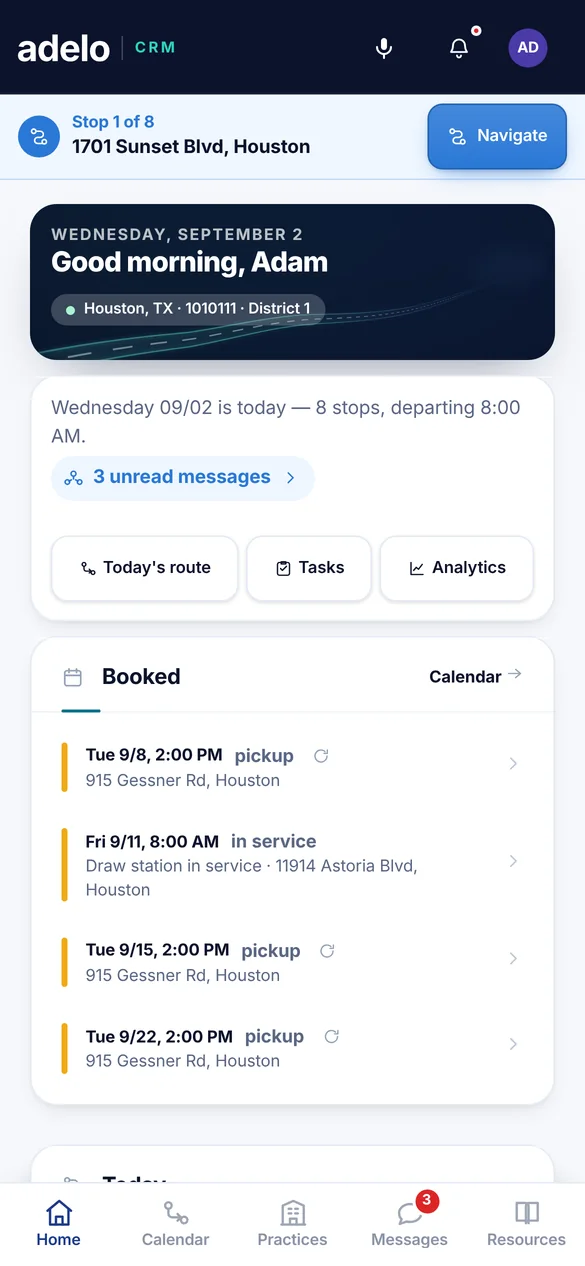
Logging
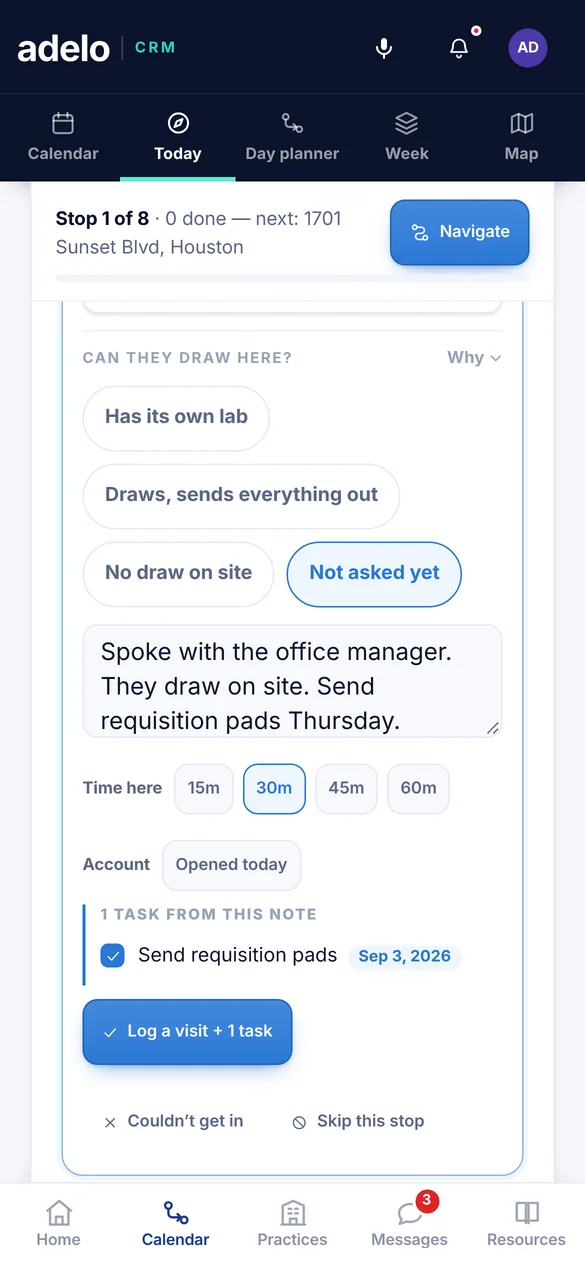
Logging a visit takes one tap.
The stop already knows the account, the contact, the date and where you were. You add what happened.
- Tap to log, or leave a voice note from the car
- Promises in your notes become follow up tasks
- No Friday afternoon rebuilding the week from memory
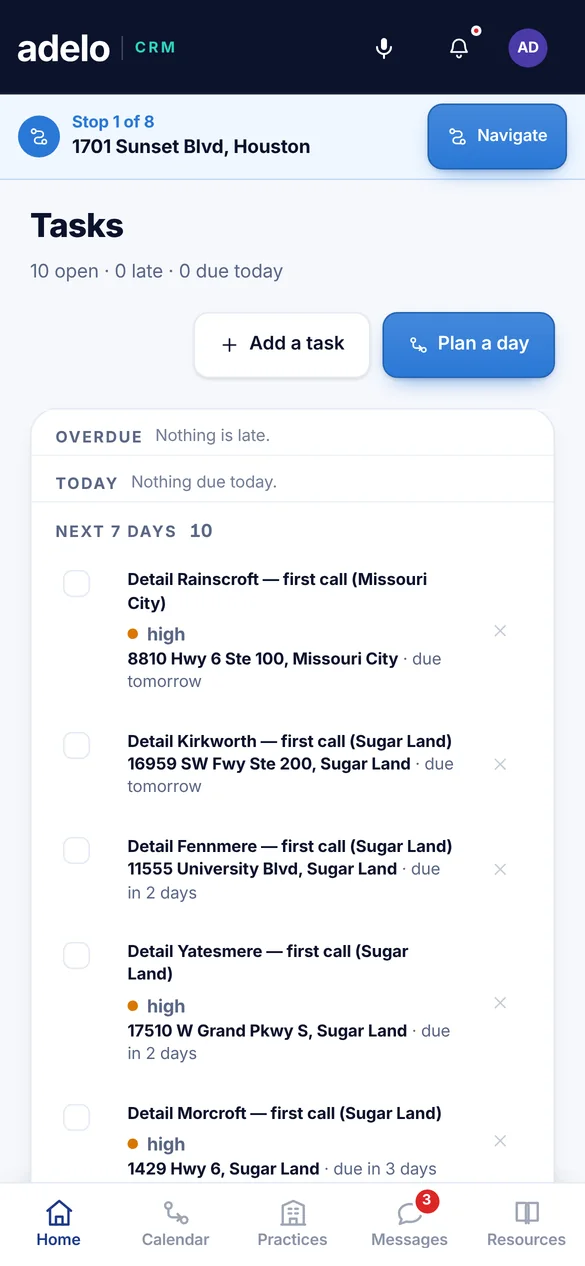
See your own week planned.
Bring your accounts, or add them as you go, and get a routed week you could drive on Monday.