For sales leaders
See the plan, not just the logged calls.
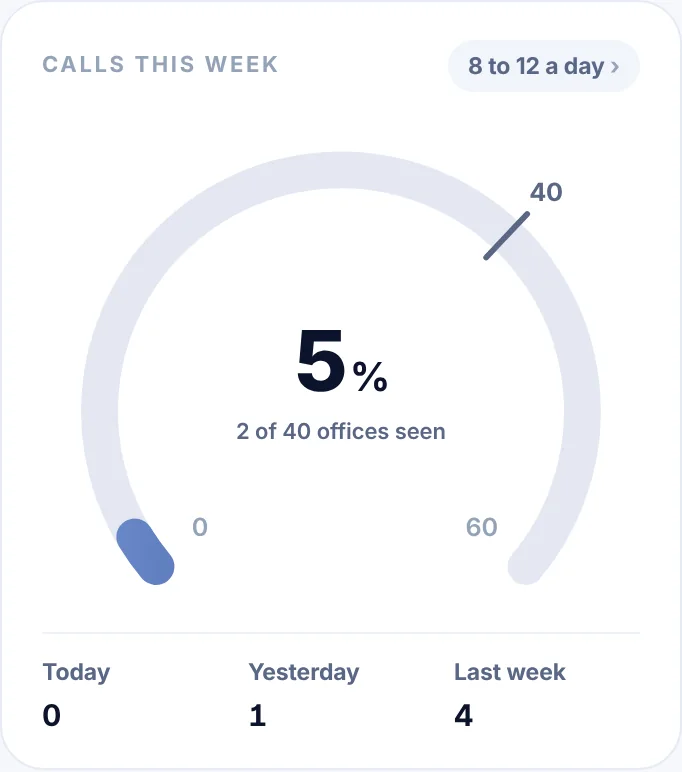
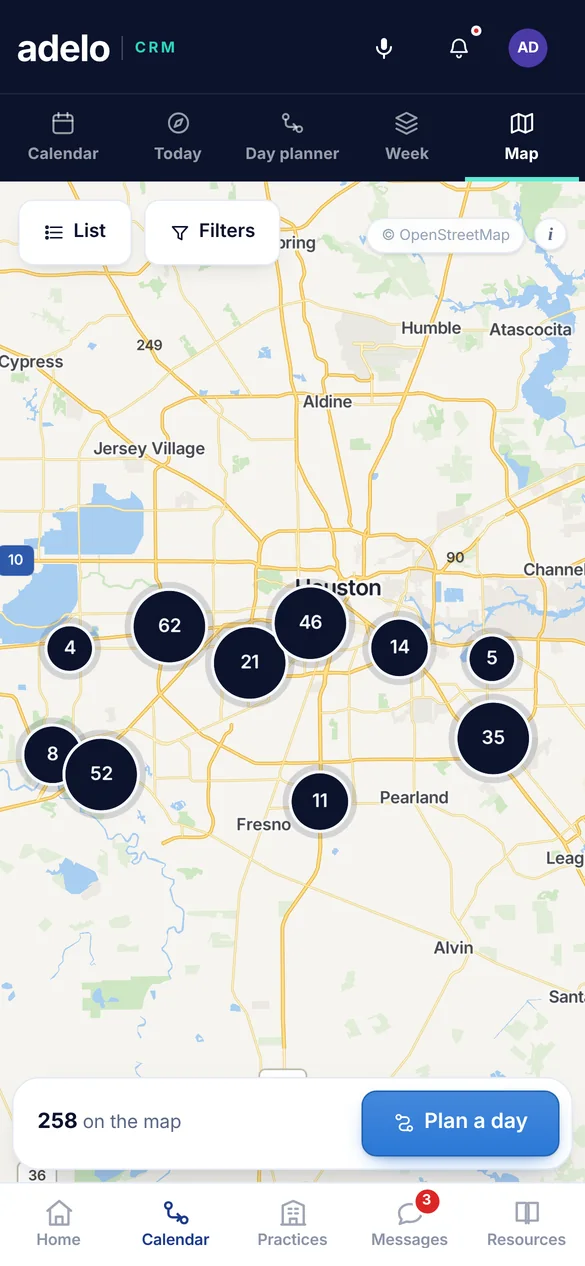
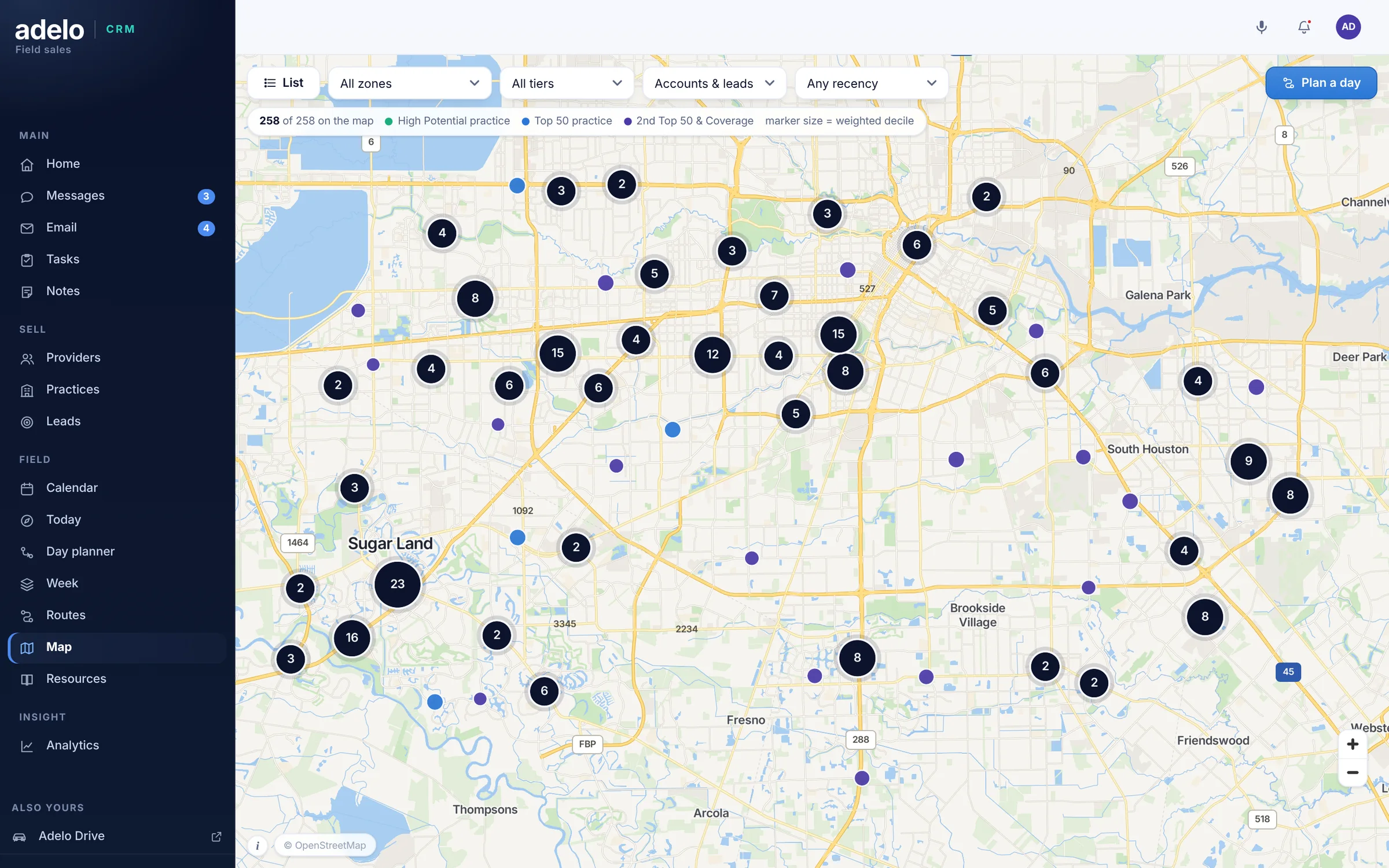
Every account on the map, every rep's week planned and then checked against what was worked, plus coverage and visit frequency across the team.
Map © OpenFreeMap © OpenMapTiles © OpenStreetMap contributors
What you get
A plan you set, and a way to check it.
Visit frequency you set, coverage you can check.
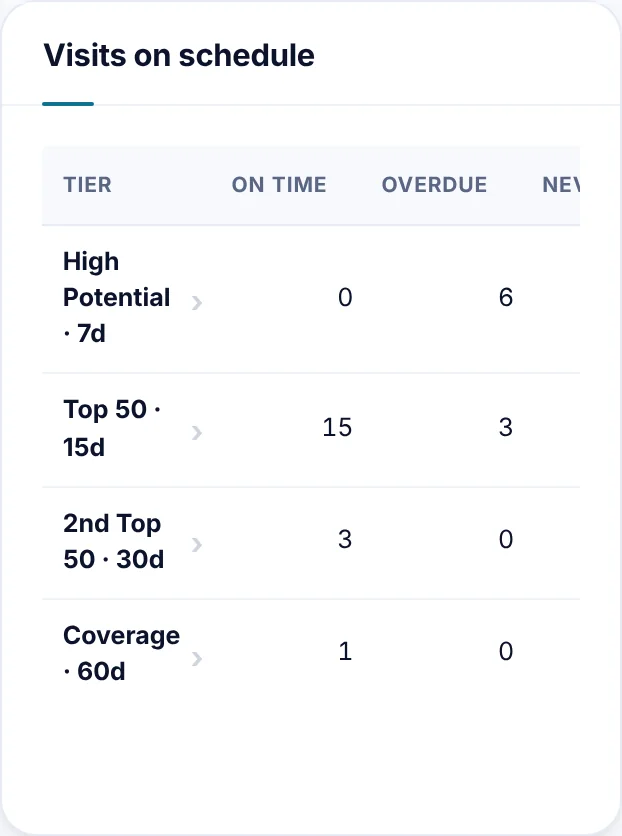
Set how often each tier should be seen, then see who is on track and who is overdue.
- Coverage by tier, for every rep
- Planned days against worked days
- Overdue accounts surfaced first
Territories you can compare fairly.
See which territories are compact and which are spread out, so reps are judged on the work and not the geography.
- Every territory on one map, and each day's spread in miles
- Days sized to what really fits
- Fair comparisons across the team
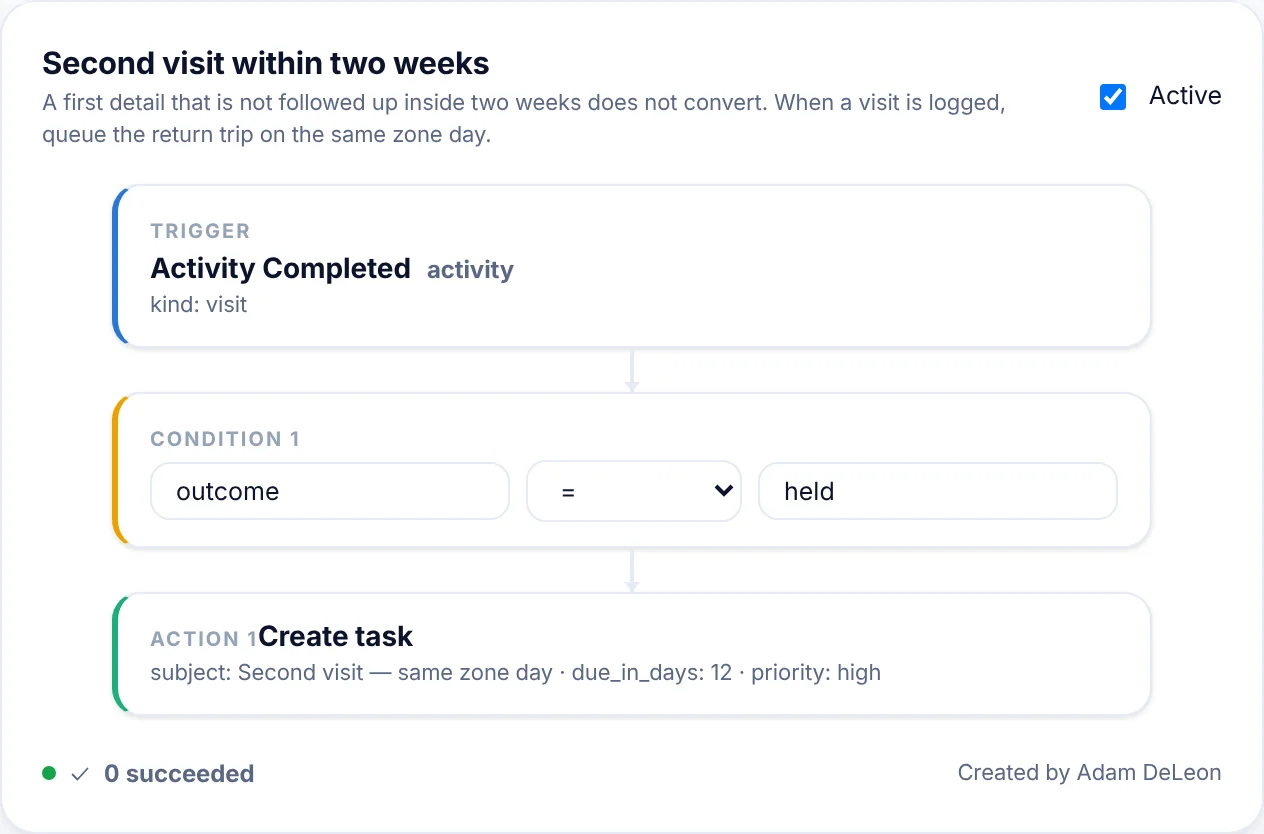
Automation that asks first.
Follow-up rules come from your plan and arrive switched off, each showing who it would affect.
- Tasks when an account goes overdue
- New accounts assigned automatically
- Nothing runs until you turn it on
For district and area managers
Ride-alongs you can prepare for.
- See the rep’s day before you get in the car
- Know which accounts are overdue and why
- Coach on the plan, not on effort
For sales operations
No data warehouse required.
- Import a spreadsheet or start from scratch; no integration needed
- Nothing is saved until you review the plan and commit it
- The same list always produces the same territory plan
Pick the territory you worry about most.
Bring its accounts and see the plan a rep would get, and how you would track it.